
JimmyAI · Ontario Teachers AI
Ontario Teachers AI: a safe AI workspace for Ontario teachers
Ontario teachers plan to the Ontario curriculum, write report cards that families can understand, and protect student privacy at every step. Ontario Teachers AI, at teachersai.jimmyai.ca, is a safe AI workspace built for that reality, with tools for lesson planning, worksheets, quizzes, rubrics, parent messages, differentiation, and report card comments, all with privacy-first prompts and Growing Success-aligned language.
The app’s own homepage is clear about its promise: safe AI tools for Ontario teachers, with a 7-day free trial, no credit card required to start, and a Safe Use Mode that helps teachers use AI responsibly. That combination, practical tools plus clear guardrails, is what makes it usable in a real Ontario classroom.
Visit Ontario Teachers AI See all JimmyAI apps
What you can make
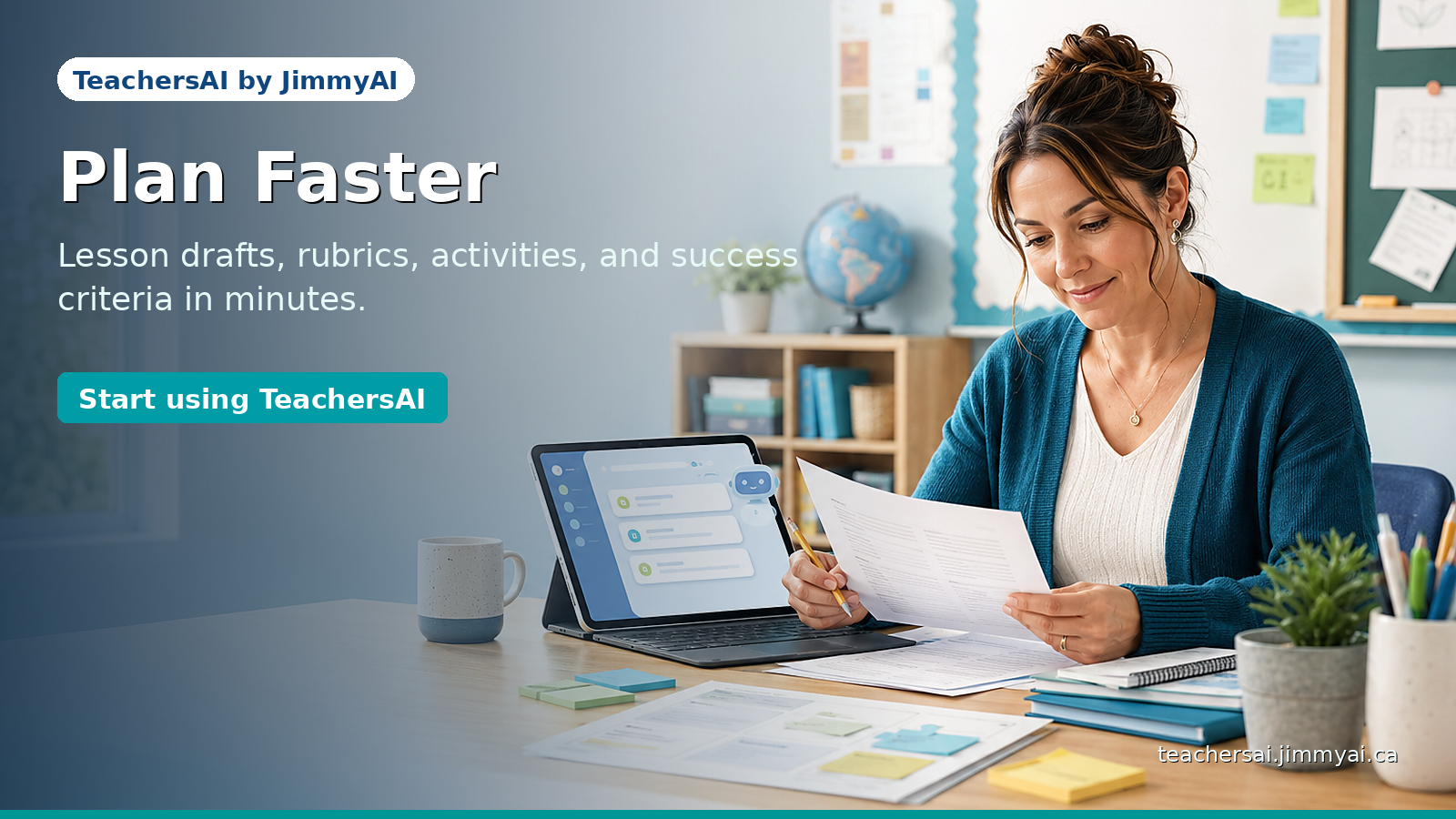
The app lists eleven tools, and they cover the core planning and reporting jobs: Lesson Planner, Worksheet Generator, Quiz Creator, Rubric Builder, Parent Message Writer, Differentiation Assistant, Sub Plan Generator, Activity Ideas, Exit Ticket Creator, IEP Support Assistant, and Report Card Comment Helper. Around those tools sit a prompt library, saved resources, and safe-use guidance.
Lesson plans, worksheets, and quizzes
Start with a lesson draft, then build practice work and quizzes that check the same learning. When plan, practice, and check line up, students get a fairer chance to show what they know, and teachers get a clearer picture of next steps.
Rubrics and differentiation
Rubrics work when students can see what good work looks like. Differentiation works when it is based on a learning need, described in general terms, not on a student’s private information. Both tools are built around that safe, general approach.
Parent messages and sub plans
Family communication should be clear, respectful, and private. Parent messages drafted with anonymized examples help teachers keep that standard. Sub plans, likewise, should let a guest teacher follow the day without guessing about routines or materials.
Report card comments that families understand
Report card season is where wording matters most. The Report Card Comment Helper, with Growing Success-aligned language, helps teachers draft comments that are specific, respectful, and useful to families, while keeping student personal information out of prompts.
Safe Use Mode, in plain language
Safe Use Mode is the app’s way of keeping AI use responsible. Do not enter student names, student numbers, addresses, medical information, IEP details, grades, behaviour records, or family details. Use anonymized examples such as “Student A” or “a Grade 4 learner.” Review every output, and follow your school, board, and employer policies. The app’s own safety examples make the contrast clear: an unsafe prompt names a child and asks about behaviour and reading level, while a safe prompt asks for a general parent message about homework routines, with no student names or private details.
That mode also helps with trust. When parents, colleagues, and administrators can see that AI is being used for planning, not for profiling students, and that the teacher remains the decision-maker, the tool is easier to defend and easier to use well.
Who it is for
It is for Ontario K–12 teachers who want classroom-ready resources they can review the same day, and for teachers who are new to AI and want guardrails rather than guesswork. Schools and boards can also ask about a custom version through JimmyAI’s contact page, if they want safer AI planning support for a whole staff.
Frequently asked questions
Is Ontario Teachers AI for Ontario teachers?
Yes. It is built for Ontario K–12 teachers, with Ontario curriculum-aligned tools, Growing Success-aligned report card language, and privacy-first prompts.
What can I create with it?
Lesson plans, worksheets, quizzes, rubrics, parent messages, differentiated activities, sub plans, activity ideas, exit tickets, IEP supports, and report card comments.
Can I enter student information?
No. Do not enter student names, numbers, addresses, medical information, IEP details, grades, behaviour records, or family details. Use anonymized examples.
Is there a free trial?
The app’s homepage offers a 7-day free trial, with no credit card required to start.
Can a school or board get a custom version?
Yes. Schools and boards can contact JimmyAI to discuss a custom version for their teachers.
Do I still need to review the output?
Always. AI drafts, and the teacher reviews, edits, and approves every output before it is used with students or families.
Try it on a lesson you know well
Run a familiar lesson through the app, edit the draft until it sounds like you, and see whether it saves you time. If it does, it is worth keeping in your weekly routine.
Visit Ontario Teachers AI · Browse all JimmyAI apps · Contact JimmyAI